


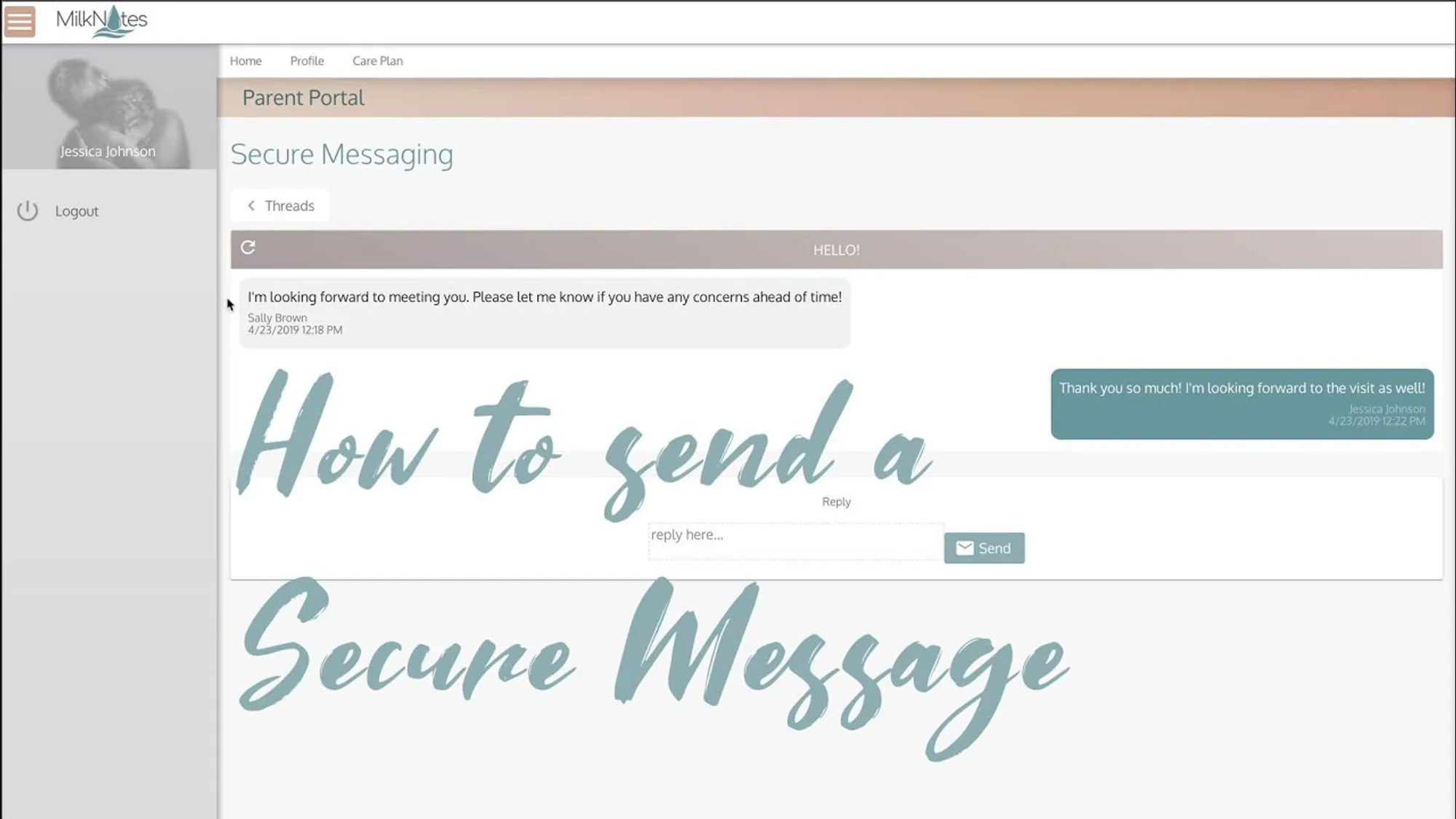
Learn how to send secure, HIPAA-compliant messages on MilkNotes.
Getting Started with Secure Messaging
Log into MilkNotes and navigate to your visits. Select the visit your communication is in reference to. If you haven’t already, make sure your client’s valid email address is in their profile and send them a parent portal registration link.
Finding the Messages Button
The messages button is on the top right hand side of every section of the visit. On some devices, messages may be under the ellipsis button. Click Messages and then New Message.
Sending Your Message
Here you can type and send your secure message. Your client will then be notified in their email that they have a message waiting for them in their MilkNotes parent portal.
HIPAA Compliance
You can now have secure and HIPAA-compliant communication with your clients. All messages are encrypted and stored securely within the MilkNotes platform.