


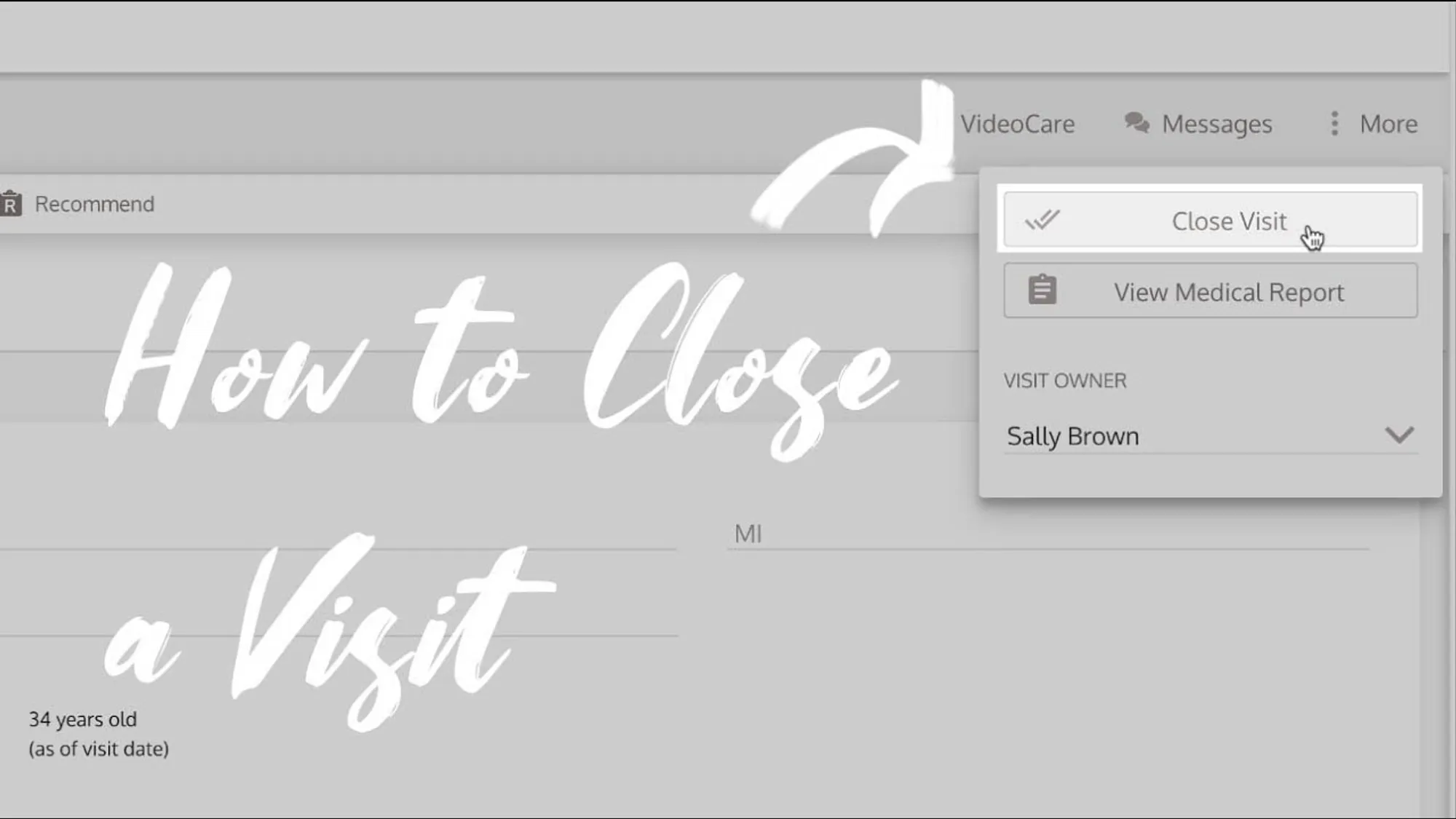
Learn how to close a MilkNotes visit with this step-by-step tutorial.
How to Close a MilkNotes Visit
If you’re not already in the visit, navigate to your visits page. Select the visit that needs to be closed. In the top right corner, click the More button, then select Close Visit.
Why Close a Visit?
Closing a visit permanently secures the medical information and prevents further tampering. This is an important step for maintaining HIPAA compliance and ensuring the integrity of your clinical documentation.
Adding Notes After Closing
If you need to add additional information after the visit has been closed, you can always add a post-visit note. This allows you to append important information while maintaining the security of the original documentation.
Finding Closed Visits
Once a visit is closed, it will now be in your Previous Visits column on the visits page. You can easily access closed visits for reference or to add post-visit notes.